How to print from your own device
You can now print to library printers at Ascot, Cox Green, Dedworth, Maidenhead and Windsor Libraries from your own device using our Wi-Fi printing service. You can do this while in the library, from home or from anywhere.
The following document types are supported:
- doc and docx
- BMP, GIF, JPEG, JPG, PNG, TIF and TIFF
Your documents must not exceed 300 MB per file. You can upload up to 5 documents to print each time.
Go to https://netloan.rbwm.gov.uk/.
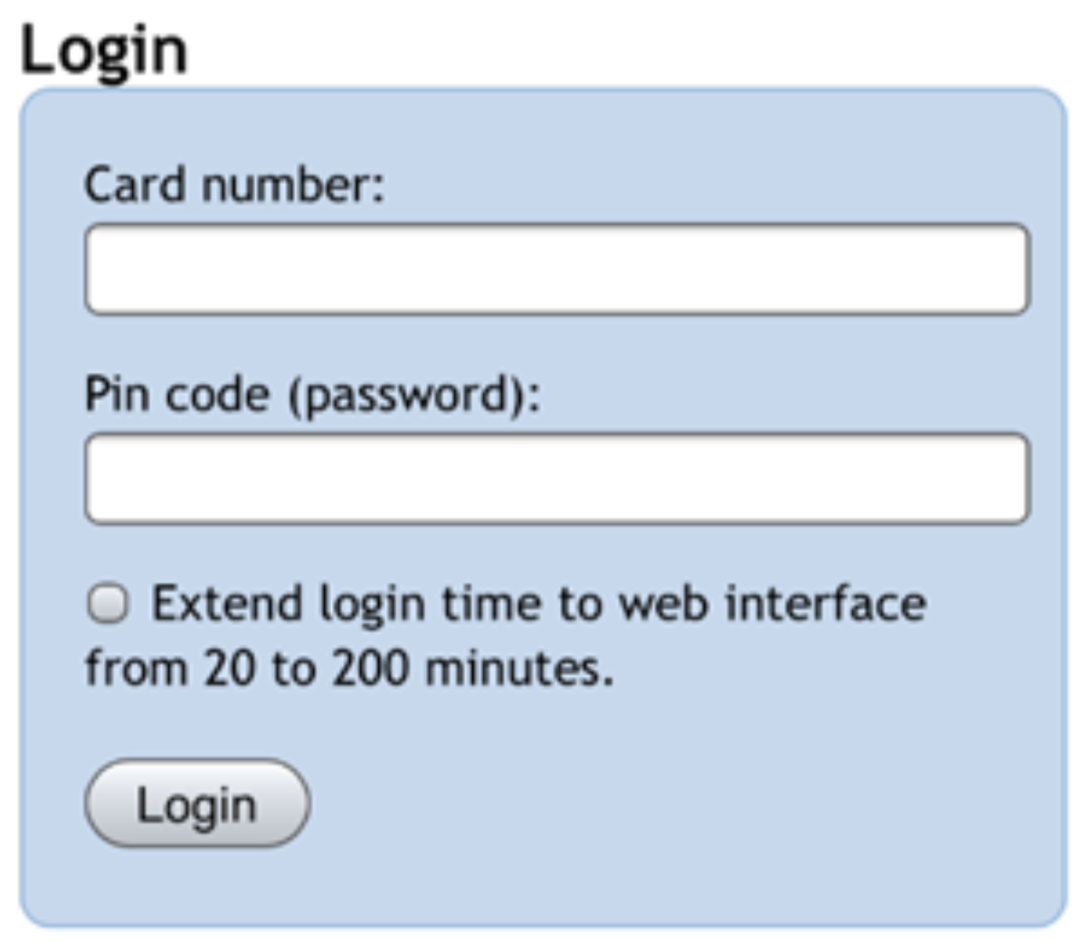
Log in with your library card number and PIN. If you don't know your PIN, speak to staff or reset it online.
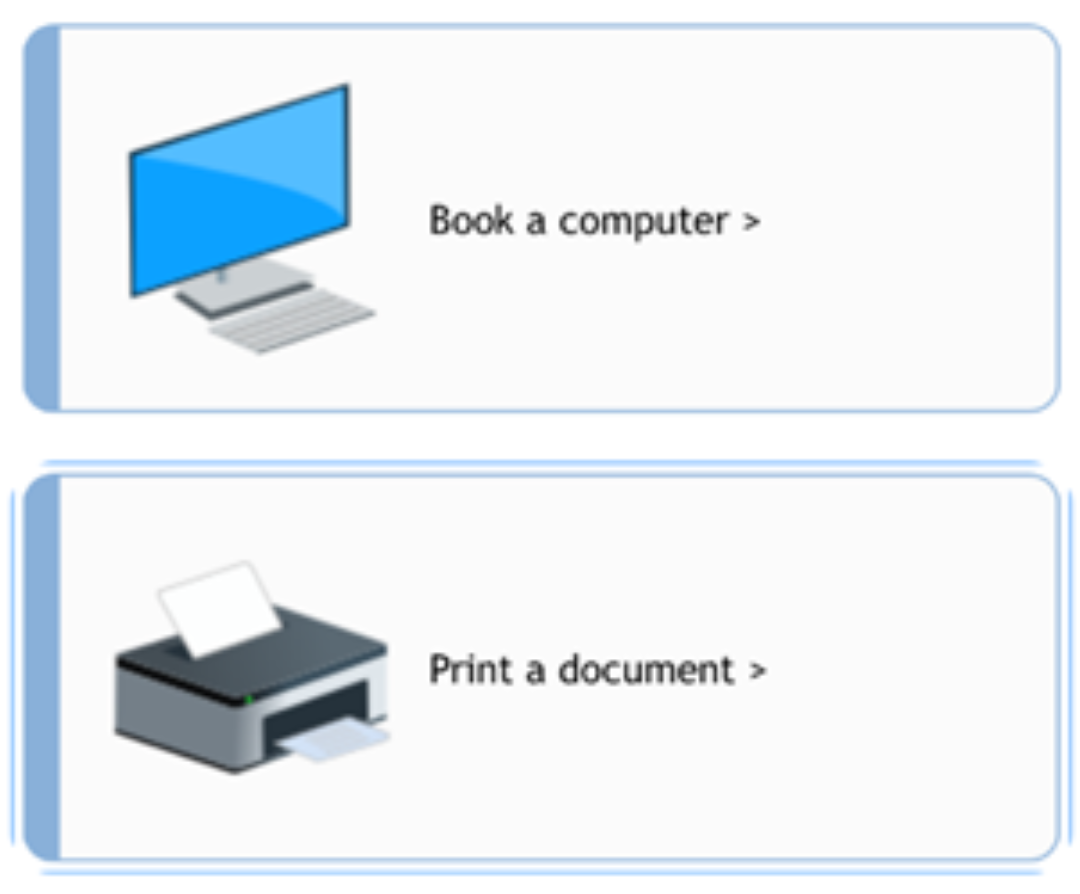
Select Print a document. On the next page, click the Get started button.
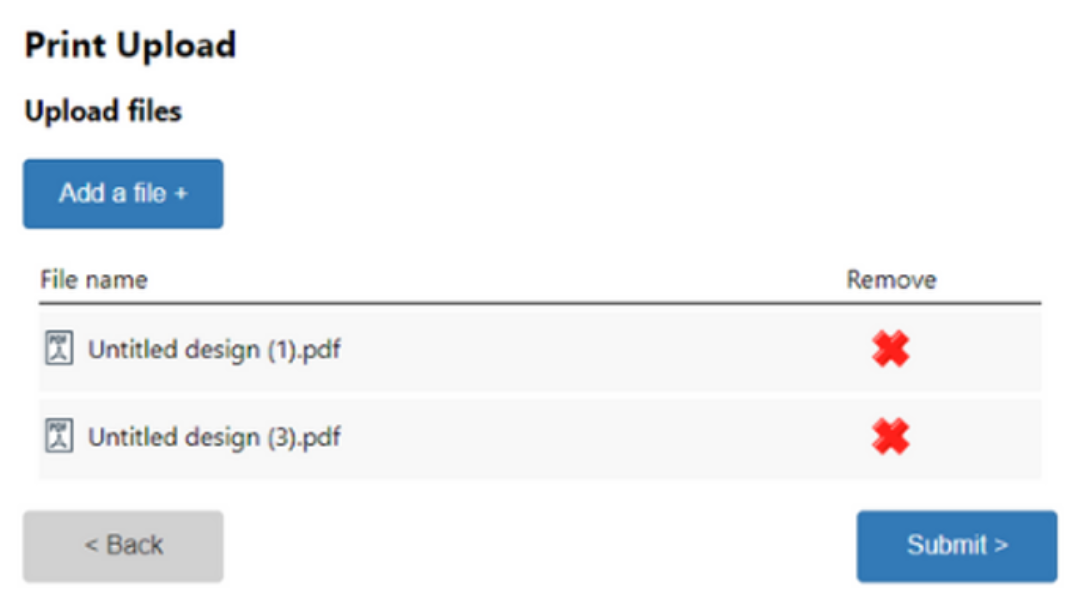
Select Add a file. Choose the files that you would like to print. You can upload up to five files at a time.
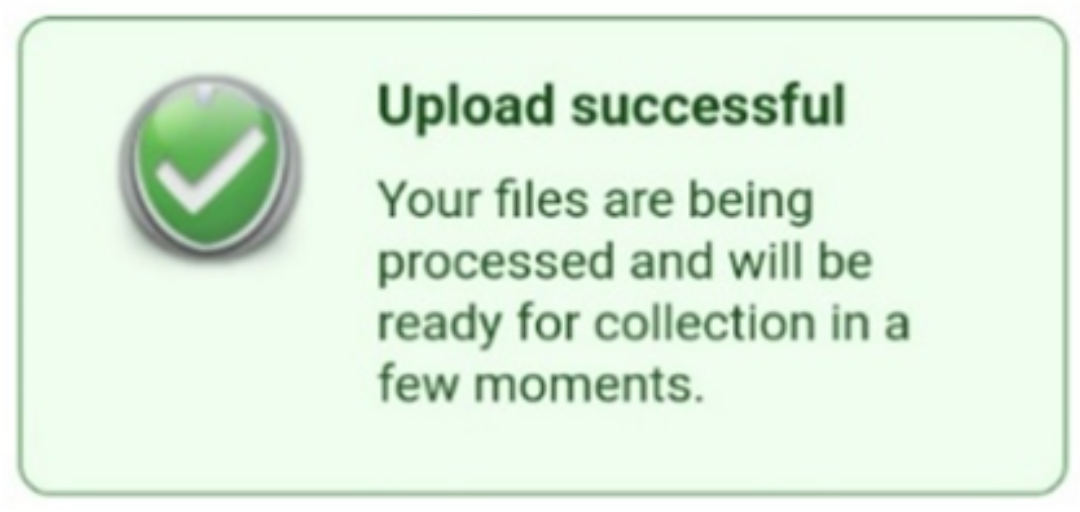
Click the Submit button. A green Upload successful box should appear.
Come in to Ascot, Cox Green, Dedworth, Maidenhead or Windsor Libraries to release and pay for your printing. At Maidenhead and Windsor Libraries, you can release and pay for your printing on a self-service kiosk.
Please note: If you experience any problems during the Wi-Fi print process, such as unresponsive buttons on a webpage, then please refresh the webpage and try again. In exceptional circumstances multiple refreshes may be necessary. We are currently working to resolve this problem as soon as possible.